
What I Learned Setting Up My First Zapier Workflow (and Mistakes to Avoid)
If there’s one thing I’ve learned while building Ask Lucy — my AI + automation side hustle — it’s that automation always looks easy in the promo video. The reality? It’s a little more like rewiring your house with the lights off. You’ll bump your head, flip the wrong switch, and occasionally set off the smoke alarm. But once it’s working, it feels like magic.
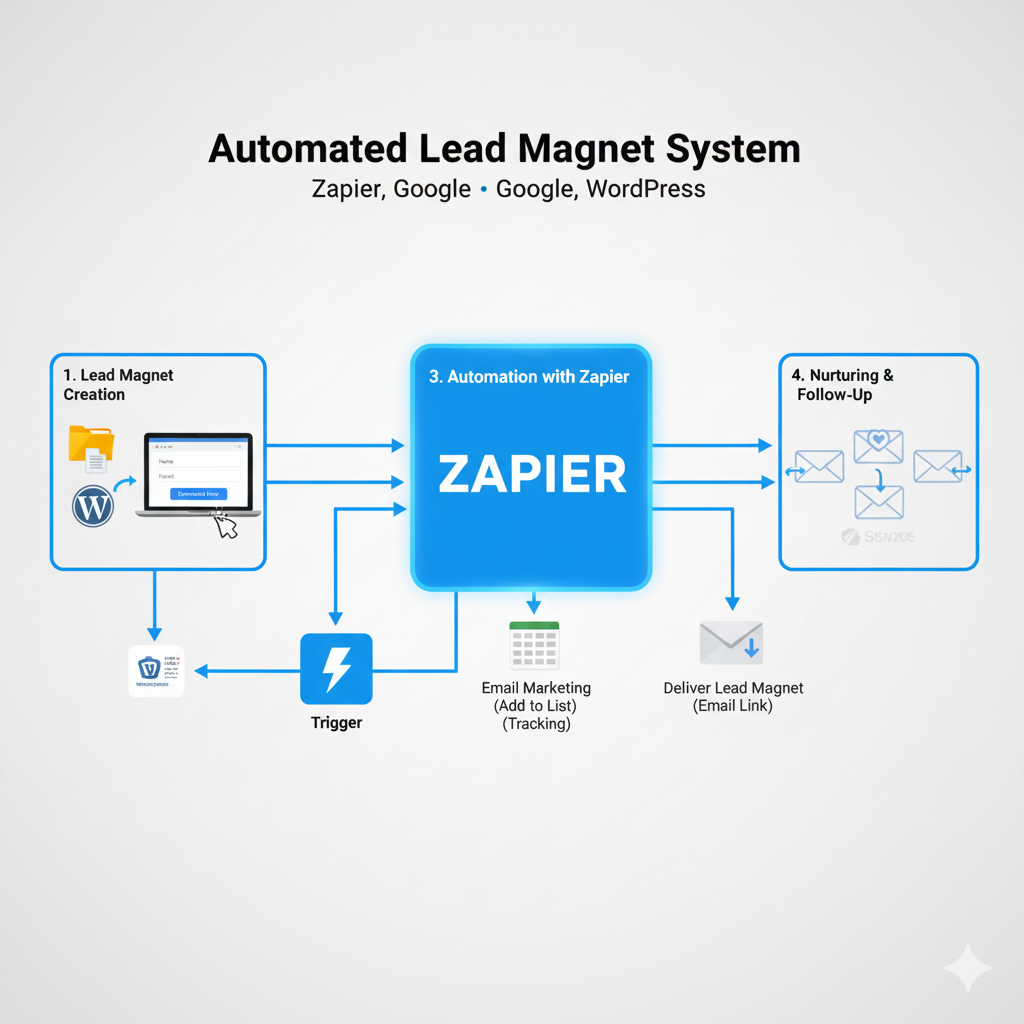
Recently, I built my first end-to-end Zapier workflow that connects Stripe purchases → Google Drive folders → intake forms → upload spaces. Here’s what I learned, what broke, and what you should watch out for if you’re building your own automations.
Lesson 1: Stripe doesn’t always send what you think it does
My first big mistake was filtering on the Product ID (prod_...) when Zapier only receives the Price ID (price_...).
Fix: Always filter or branch your Zaps on the Price ID. If you sell multiple packages (Exam Ace, Launchpad, Virtual Assistant), grab each Price ID from Stripe’s pricing section and map them in Zapier.
Lesson 2: Test data lies if you don’t refresh it
Zapier’s “missing sample” message drove me crazy. It turned out the sample data it pulled didn’t include the fields I was filtering on.
Fix: Run a real test purchase in Stripe Test Mode (using the 4242 test card), then “Load More Test Data” in Zapier. Fresh data makes the conditions testable.
Lesson 3: Parent folder mapping matters
When I set up the “Upload” subfolder for clients, Zapier kept saying the step ran successfully, but nothing showed up. The folder was actually being created… just dumped into the root of my Drive.
Fix: Always map the Parent Folder ID from the previous “Create Folder” step. That keeps your structure clean (Ask Lucy → Clients → Customer → Upload).
Lesson 4: Don’t try to copy Google Forms
My first idea was to copy the actual intake Google Form into each client folder. Spoiler: Zapier doesn’t play nice with Google Forms.
Fix: Instead, create a Google Doc in the client folder with the link to the form. Even better, email the client the form link directly (with their Drive folder link included). Cleaner, faster, less fragile.
Lesson 5: Paths won’t publish if you leave them half-baked
I tried to publish my Zap with only Path A finished. Zapier blocked me because the other Paths (B, C) were empty.
Fix: Either delete unused Paths until you’re ready, or drop in a placeholder action. Zapier won’t publish with dangling steps.
Lesson 6: Email authentication is non-negotiable
My onboarding emails to Yahoo addresses kept bouncing with scary DMARC errors. Turns out my domain (asklucy.us) wasn’t fully authenticated.
Fix: Set up SPF, DKIM, and DMARC records in your domain’s DNS. Start with p=none for DMARC while testing, then tighten to quarantine or reject once everything passes. Without this, big email providers will block or spam your automations.
Bonus Tip: Build boring, repeatable SOPs
Every mistake I made came down to skipping structure. My Ask Lucy SOPs emphasize predictable workflows: clean files, clear naming, testable prompts, and documented steps. The same applies to Zapier: build a checklist, test every step, and don’t rely on guesswork.
Final Thoughts
Automation is less about “set it and forget it” and more about “set it, test it, fix it, and only then forget it.” But once you nail the workflow, you’ve basically hired an invisible assistant who works 24/7 for pennies.
For me, this Zap wasn’t just about folders and forms — it was about proving that my Ask Lucy client onboarding can run hands-off while I focus on higher-value work.
If you’re diving into Zapier for your own business, learn from my stumbles:
-
Always grab the right ID (Price, not Product).
-
Refresh your test data.
-
Map folders properly.
-
Avoid trying to copy Forms.
-
Don’t leave Paths hanging.
-
Get your email authentication right early.
Your future self (and your inbox) will thank you.