
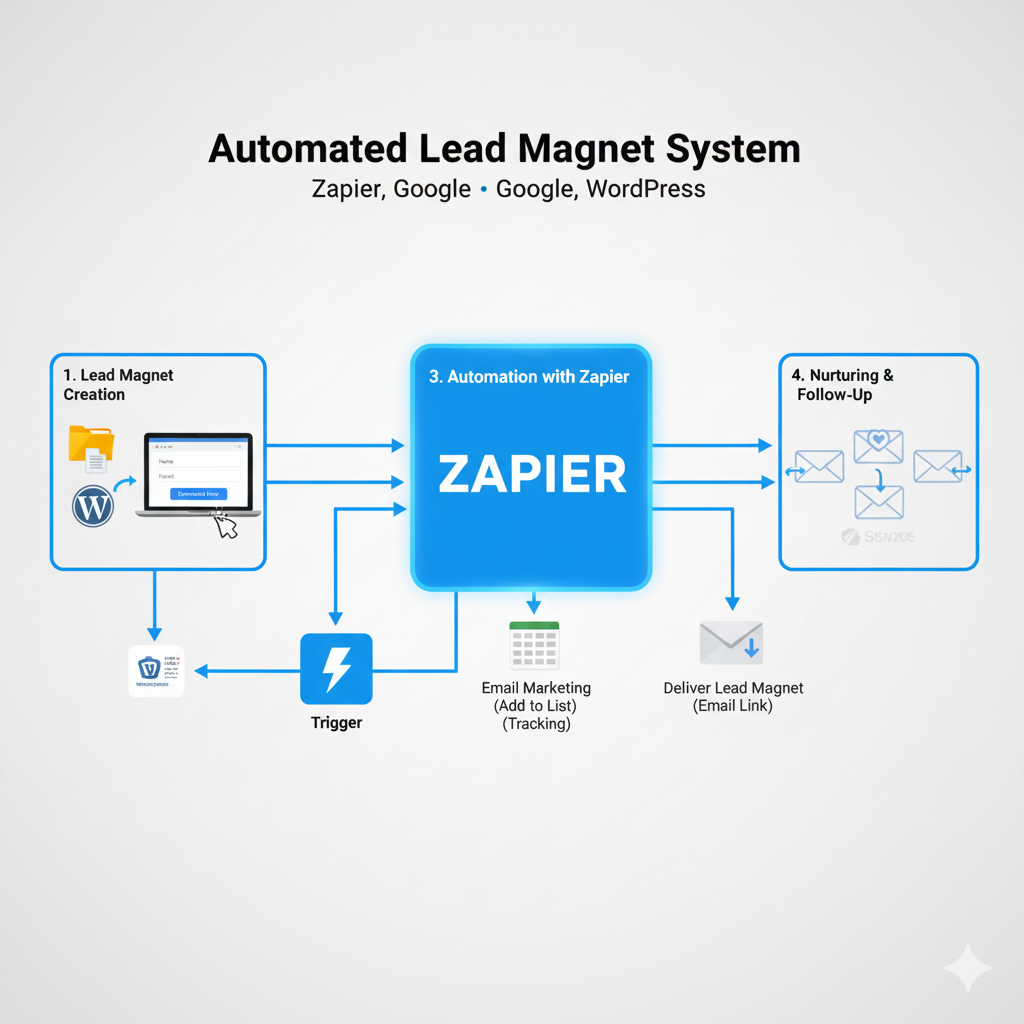
How I Built My Automated Lead Magnet System with Zapier, Google, and WordPress
One of the most powerful ways to grow an email list (and eventually, revenue) is by giving away a valuable free resource. In my case, it’s a free PDF guide to ChatGPT. But instead of manually sending it out every time someone asked, I wanted to create a self-running system that captures leads, delivers the PDF automatically, and logs contacts for future marketing.
Here’s the exact process I used to build it out—step by step.
Step 1: Create the Lead Magnet Form
I started with a Google Form to capture visitor info (name, email, role). Google Forms was my choice because it’s free, integrates directly into Google Sheets, and is easy to manage. Each response automatically populates a Google Sheet, which became the trigger for the rest of the automation.
Step 2: Link the Form to My Website
On my homepage (built with WordPress + Elementor), I already had a “Download Now” button. Instead of attaching a static file, I linked the button directly to the Google Form. This way, visitors provide their contact info before getting the guide.
Step 3: Build the Automation in Zapier
This was the fun part. I set up a Zap with the following flow:
-
Trigger: New row in my Google Sheet (whenever someone submits the form).
-
Action 1: Use the form data to send an email through Gmail.
-
Subject: Your Free ChatGPT Guide
-
Body: A friendly welcome message, a bit about what they can expect, and the guide attached.
-
Attachment: The actual PDF stored in Google Drive. (Pro tip: you don’t need a separate “Download File” step in Zapier—the “File (Exists but not shown)” field works perfectly.)
-
-
Action 2: Add the new subscriber’s info to my Customer Database Google Sheet. This is my master list for future marketing campaigns.
Step 4: Test and Refine
The first test didn’t work—Zapier threw an error because there were no sample rows in the sheet. I fixed this by adding a fake entry to my Google Form. Later, I also learned I could skip unnecessary steps (like “Download File” in Zapier) to keep the automation lean.
After a few rounds of testing, I had the system working flawlessly: every form entry now triggers an email with the PDF attached, and the subscriber is logged in my database automatically.
Step 5: Enjoy the Results
Now my website is doing the work for me:
-
Visitors get instant access to my free guide.
-
I build a growing email list with zero manual effort.
-
I have clean data in my CRM (Google Sheets) ready for future campaigns.
This system scales easily. When I create new digital products, I can repeat the process—either delivering new PDFs as lead magnets or upsells.
Why This Matters for My Business
This process is more than just a tech trick—it’s part of the AskLucy business model:
-
Deliver immediate value through digital products.
-
Build trust and credibility.
-
Grow a subscriber base for future services like custom GPT builds and automation consulting.
The beauty? It’s all hands-off now. Every new download is another potential client moving through my funnel—without me lifting a finger.
✍️ Next Steps: I’ll be scaling this system with better email templates, segmentation, and follow-up automations. But for now, this foundation means I can focus on creating more content and serving clients—while the system quietly builds my audience in the background.